
Why you need NinjaOne
As part of the policy you signed during onboarding, you'll need to install NinjaOne — Matthews' device management system — on your laptop.
Download the installer
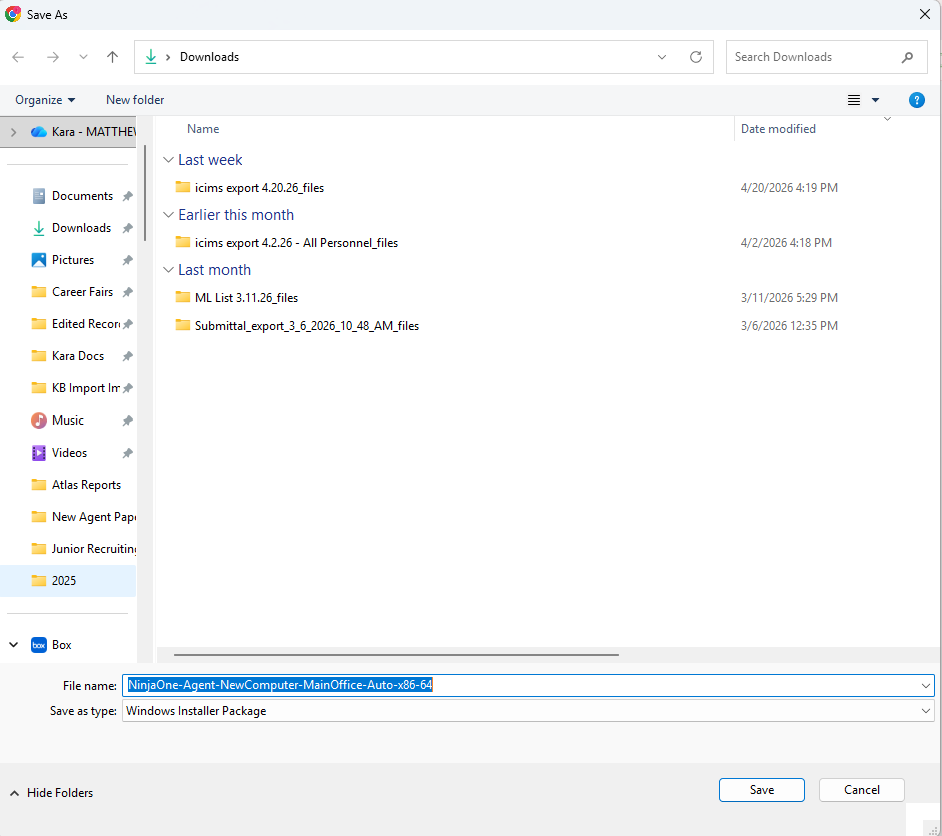
Click here to download the NinjaOne installer. The .msi file will appear in your Downloads folder.
Run the install
When the Save As dialog opens, leave the file name as-is and click Save to download to your Downloads folder. Then open File Explorer and double-click the installer to run it.
Back to Step 7
You've completed the course 🎉